🤖 ChatGPT桌面应用程序(Mac、Windows和Linux)
作者:Sec-Labs | 发布时间:
项目地址
https://github.com/lencx/ChatGPT
📦 下载
最新的:
Mac: ChatGPT_0.2.1_x64.dmgLinux: Chat-gpt_0.2.1_amd64.debWindows: ChatGPT_0.2.1_x64_en-US.msi
安装
使用Homebrew ( Cask )轻松安装 :
brew tap lencx/chatgpt https://github.com/lencx/ChatGPT.git
brew install --cask chatgpt --no-quarantine
此外,如果您保留 Brewfile ,则可以添加如下内容:
repo = "lencx/chatgpt"
tap repo, "https://github.com/#{repo}.git"
cask "popcorn-time", args: { "no-quarantine": true }
✨ 特征
- 多平台:
macOSLinuxWindows - 导出 ChatGPT 历史记录(PNG、PDF 和共享链接)
- 自动应用升级通知
- 常用快捷键
- 系统托盘悬停窗口
- 强大的菜单项
菜单项
- 偏好
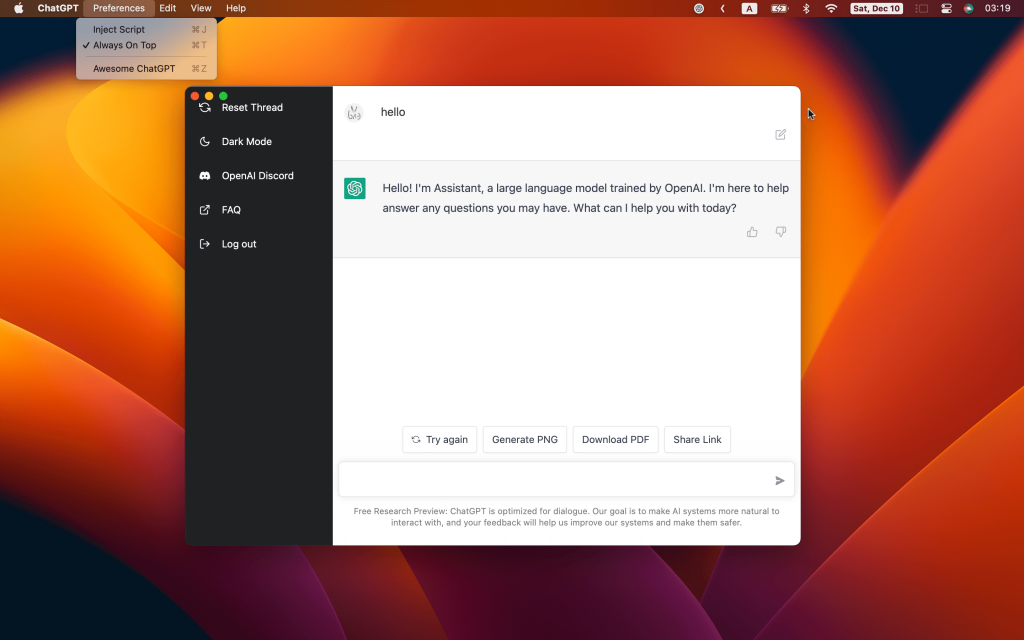
Theme-Light,Dark(仅支持 macOS 和 Windows)。Always on Top:该窗口始终位于其他窗口之上。Titlebar:是否显示标题栏,仅macOS支持。User Agent( #17 ): Customuser agent,在某些情况下可能需要。 默认值为空字符串。Inject Script:使用脚本修改页面。Switch Origin( #14 ): 切换站点源地址,默认为https://chat.openai.com,请确保镜像站点UI与原地址一致。 否则,某些功能可能无法使用。Clear Config:清除配置文件(path: ~/.chatgpt/*),危险操作,请提前备份数据。Restart ChatGPT:重启应用,例如:程序卡死或者注入脚本修改后重启应用即可生效。Awesome ChatGPT: 推荐相关资源。
- 编辑 -
Undo,Redo,Cut,Copy,SelectAll, … - 查看 -
Go Back,Go Forward,Scroll to Top of Screen,Scroll to Bottom of Screen,Refresh the Screen, … - 帮助
Update Log:ChatGPT 变更日志。Report Bug:报告错误或提供反馈。Toggle Developer Tools: 开发者调试工具。
TO DO
- Web 访问功能( #20 )
- 快捷命令键入 chatgpt 提示符
- …
👀 预览
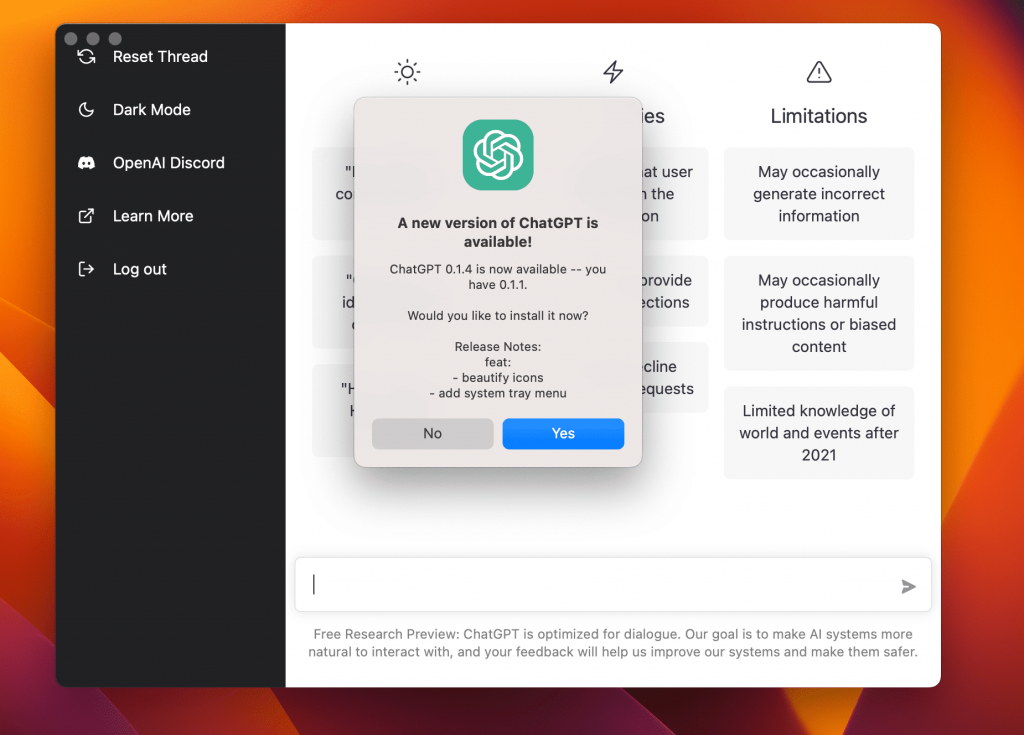
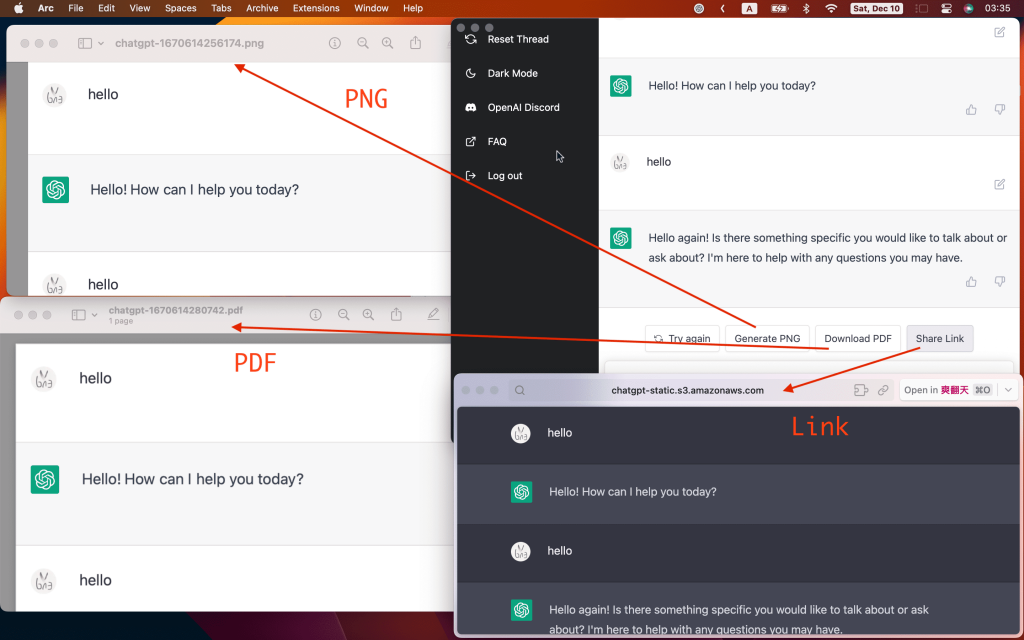
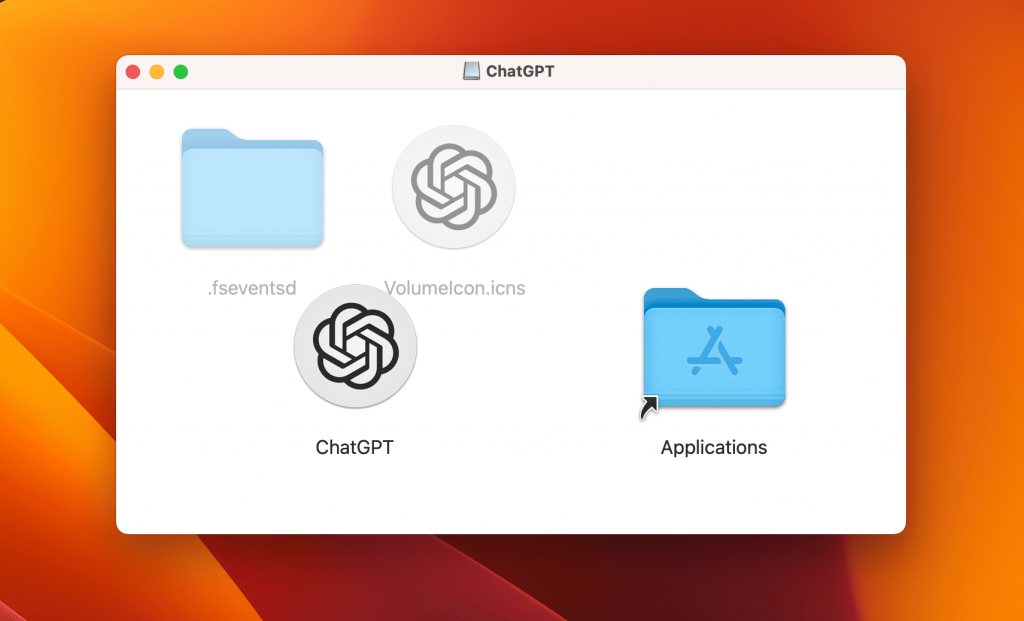
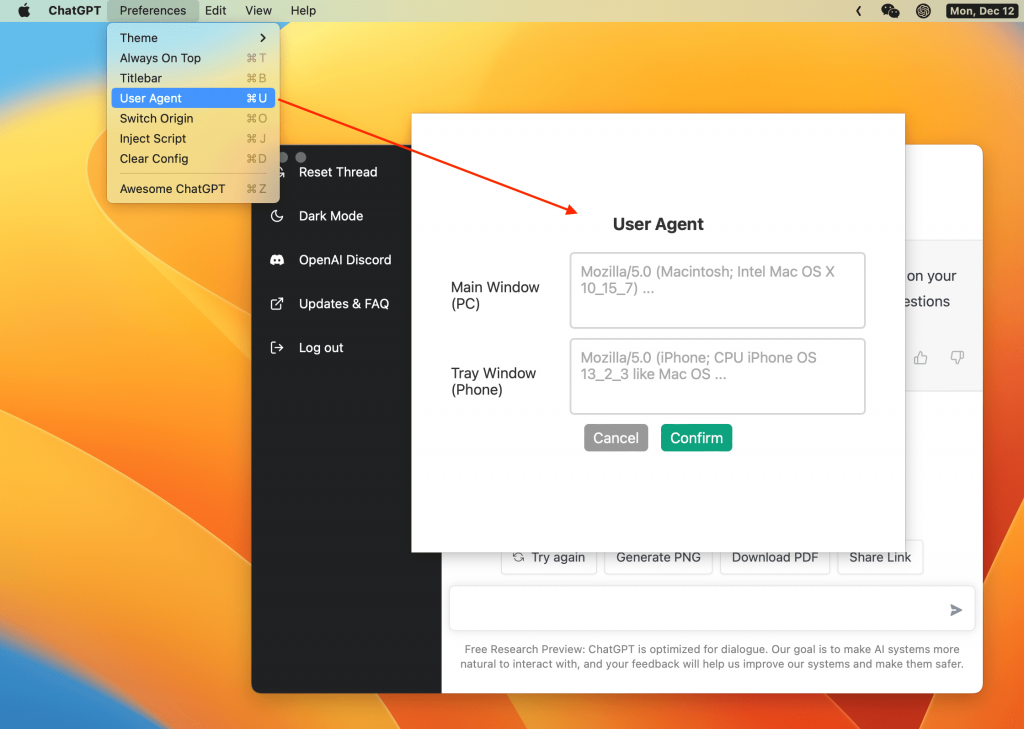
❓ 常问问题
无法打开聊天 GPT
如果升级后无法打开应用,请尝试清除 ~/.chatgpt/* 目录下的配置文件。
安全吗?
它是安全的,只是 OpenAI ChatGPT 网站的包装器,不存在其他数据传输(您可以查看源代码)。
开发者无法验证?
我如何构建它?
预安装
开始
# step1:
git clone https://github.com/lencx/ChatGPT.git

# step2:
cd ChatGPT

# step3: install deps
yarn

# step4:
yarn dev

# step5:
# bundle path: src-tauri/target/release/bundle
yarn build标签:ChatGPT