史上最全的hash加解密工具CyberChef 在线版本部署
作者:FancyPig | 发布时间: | 更新时间:
在线体验
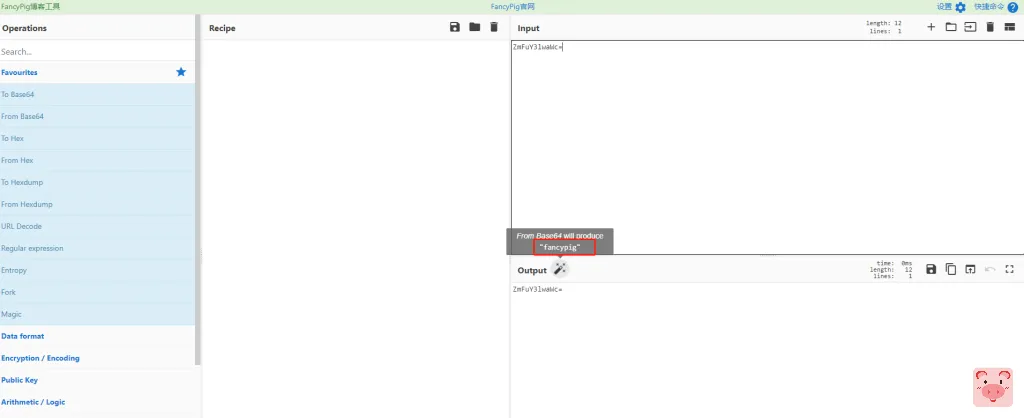
界面截图

可以智能识别并进行解码

安装方法
打包版
后续我们会逐步进行汉化,帮助大家更好的理解
编译版
- Github项目地址https://github.com/gchq/CyberChef
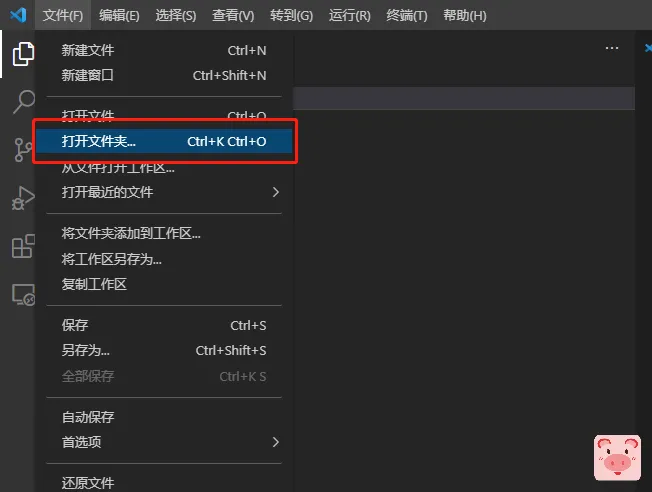
- 需要使用Nodejs 10 (如果你是windows的可以直接下载
.msi文件,下载完成后运行安装即可)


安装Node依赖
npm install grunt-cli --save-dev
npm install然后本地测试,您可以调整Gruntfile.js中的本地地址和端口

然后启动
grunt dev完成后打包就好了
grunt prod打包完成的文件在build目录下
常见错误解决方法
grunt相关报错
如果遇到以下错误提示
grunt-cli: The grunt command line interface (v1.4.3)

Fatal error: Unable to find local grunt.

If you're seeing this message, grunt hasn't been installed locally to
your project. For more information about installing and configuring grunt,
please see the Getting Started guide:
运行命令时需要进行调整
npm install grunt --save-dev之后,就可以正常使用了!
chromedriver安装失败
如果遇到以下错误提示
npm ERR! Failed at the chromedriver@92.0.1 install script.
npm ERR! This is probably not a problem with npm. There is likely additional logging output above.
运行命令时需要进行调整
npm install chromedriver --chromedriver_cdnurl=http://cdn.npm.taobao.org/dist/chromedriver