【渗透工具系列】端点挖掘神器GoSpider
作者:FancyPig | 发布时间: | 更新时间:
相关阅读
data-postsbox="{"id":27597,"title":"【渗透工具系列】模糊测试必备神器FFUF","author":"FancyPig","author_id":1,"cover_image":"https://static.pigsec.cn/wp-content/uploads/2022/11/20221127034109620.png","cover_video":"","views":4283,"comment_count":4,"category":"software","is_forum_post":false}">{"id":27597,"title":"【渗透工具系列】模糊测试必备神器FFUF","author":"FancyPig","author_id":1,"cover_image":"https://static.pigsec.cn/wp-content/uploads/2022/11/20221127034109620.png","cover_video":"","views":4283,"comment_count":4,"category":"software","is_forum_post":false}
data-postsbox="{"id":27474,"title":"【渗透工具系列】极其快速的参数枚举工具Arjun","author":"FancyPig","author_id":1,"cover_image":"https://static.pigsec.cn/wp-content/uploads/2022/11/20221125003417789.png","cover_video":"","views":3254,"comment_count":5,"category":"software","is_forum_post":false}">{"id":27474,"title":"【渗透工具系列】极其快速的参数枚举工具Arjun","author":"FancyPig","author_id":1,"cover_image":"https://static.pigsec.cn/wp-content/uploads/2022/11/20221125003417789.png","cover_video":"","views":3254,"comment_count":5,"category":"software","is_forum_post":false}
data-postsbox="{"id":27006,"title":"【渗透工具系列】支持屏幕截图的黑客扫描工具EyeWitness","author":"FancyPig","author_id":1,"cover_image":"https://static.pigsec.cn/wp-content/uploads/2022/11/20221120062105607.png","cover_video":"","views":2673,"comment_count":4,"category":"software","is_forum_post":false}">{"id":27006,"title":"【渗透工具系列】支持屏幕截图的黑客扫描工具EyeWitness","author":"FancyPig","author_id":1,"cover_image":"https://static.pigsec.cn/wp-content/uploads/2022/11/20221120062105607.png","cover_video":"","views":2673,"comment_count":4,"category":"software","is_forum_post":false}
data-postsbox="{"id":26746,"title":"【渗透工具系列】端点扫描神器Meg","author":"FancyPig","author_id":1,"cover_image":"https://static.pigsec.cn/wp-content/uploads/2022/11/20221117014650253.png","cover_video":"","views":3436,"comment_count":9,"category":"software","is_forum_post":false}">{"id":26746,"title":"【渗透工具系列】端点扫描神器Meg","author":"FancyPig","author_id":1,"cover_image":"https://static.pigsec.cn/wp-content/uploads/2022/11/20221117014650253.png","cover_video":"","views":3436,"comment_count":9,"category":"software","is_forum_post":false}
data-postsbox="{"id":26486,"title":"【渗透工具系列】Burpsuite扩展插件Turbo Intruder","author":"FancyPig","author_id":1,"cover_image":"https://static.pigsec.cn/wp-content/uploads/2022/11/20221112101541192.png","cover_video":"","views":5034,"comment_count":11,"category":"software","is_forum_post":false}">{"id":26486,"title":"【渗透工具系列】Burpsuite扩展插件Turbo Intruder","author":"FancyPig","author_id":1,"cover_image":"https://static.pigsec.cn/wp-content/uploads/2022/11/20221112101541192.png","cover_video":"","views":5034,"comment_count":11,"category":"software","is_forum_post":false}
视频讲解
之前我们介绍过端点挖掘神器Meg,但是Meg的端点挖掘方式主要基于字典,而GoSpider是通过挖掘网站中css、js、页面上的链接,最终挖掘端点,可以用于主动API发现等业务场景
图文讲解
安装教程
您可以通过go直接安装Gospider
GO111MODULE=on go install github.com/jaeles-project/gospider@latest安装完成后直接输入gospider运行
使用教程
常见的扫描命令组合如下
- -s指定扫描的网站
- -o指定输出文件
- -c指定并发数
gospider -s "https://intigriti.com/" -o output_file -c 10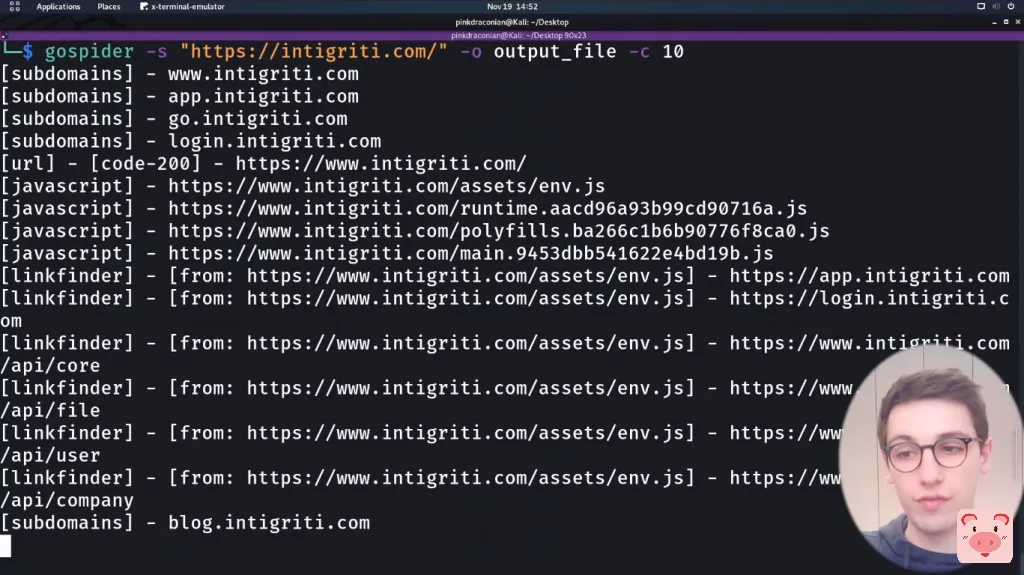
漏洞赏金必备参数
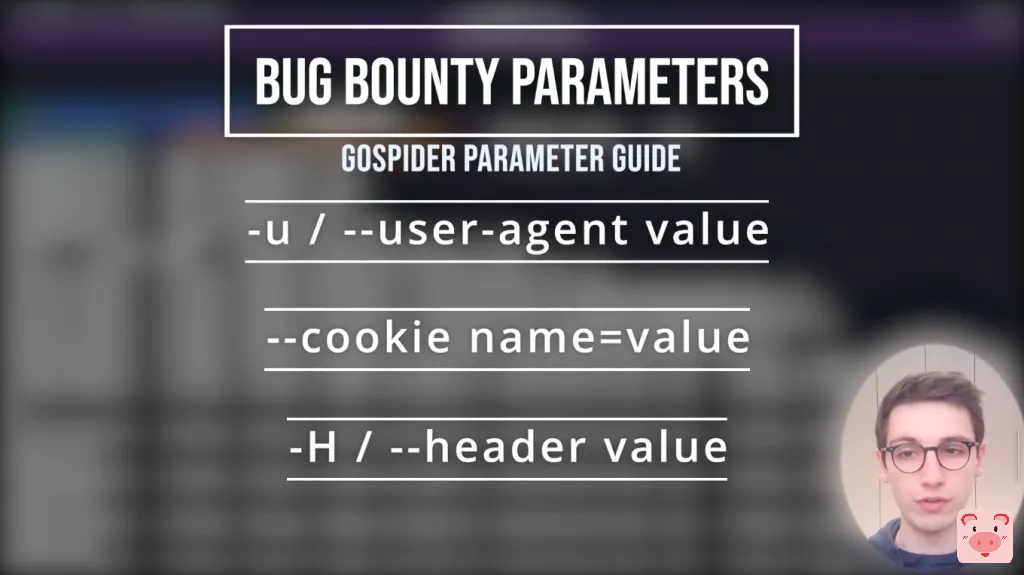
- -u或者--user-agent指定用户客户端
- --cookie指定cookie
- -H或者--header指定请求头
gospider -s "https://google.com/" -o output -c 10 -d 1 --other-source -H "Accept: */*" -H "Test: test" --cookie "testA=a; testB=b"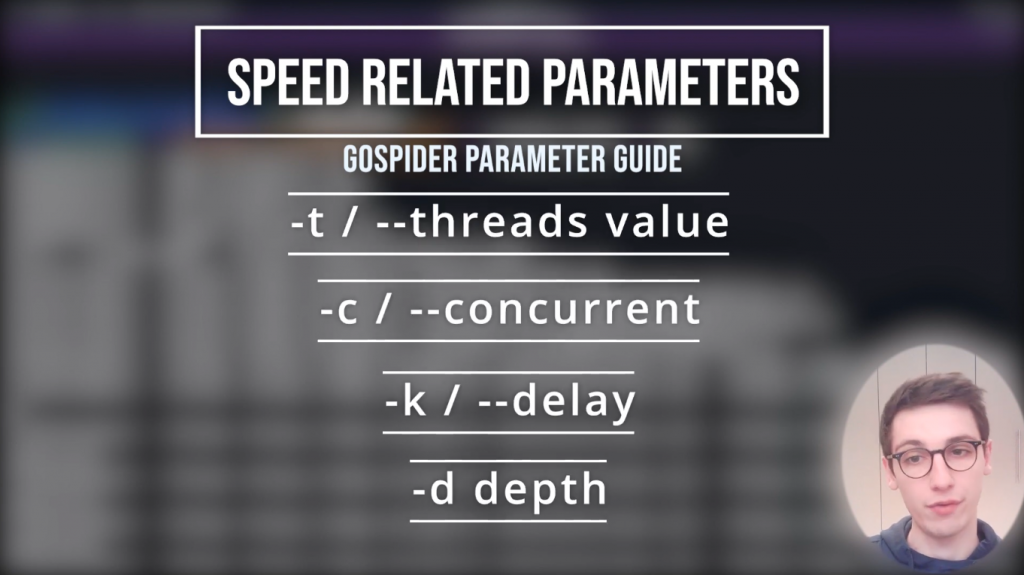
- -t或者--threads指定线程数
- -c或者--concurrent指定并发数
- -k或者--delay指定延迟时间
- -d指定扫描深度

- --js指定支持从js中发现URL(默认开启)
- --subs指定支持子域名扫描
- --sitemap指定支持扫描sitemap.xml文件
- --robots指定支持扫描robots.txt
- -a或者--other-source仅从Archive.org, CommonCrawl.org, VirusTotal.com, AlienVault.com挖掘站点信息
- -r或者--include-other-source指定支持从第三方站点获取(同时继续运行爬虫)
譬如我们想做一个被动信息收集,可以直接从第三方获取(该方法不会与站点产生扫描的流量)
gospider -s "https://google.com/" -o output -c 10 -d 1 --other-source --include-subs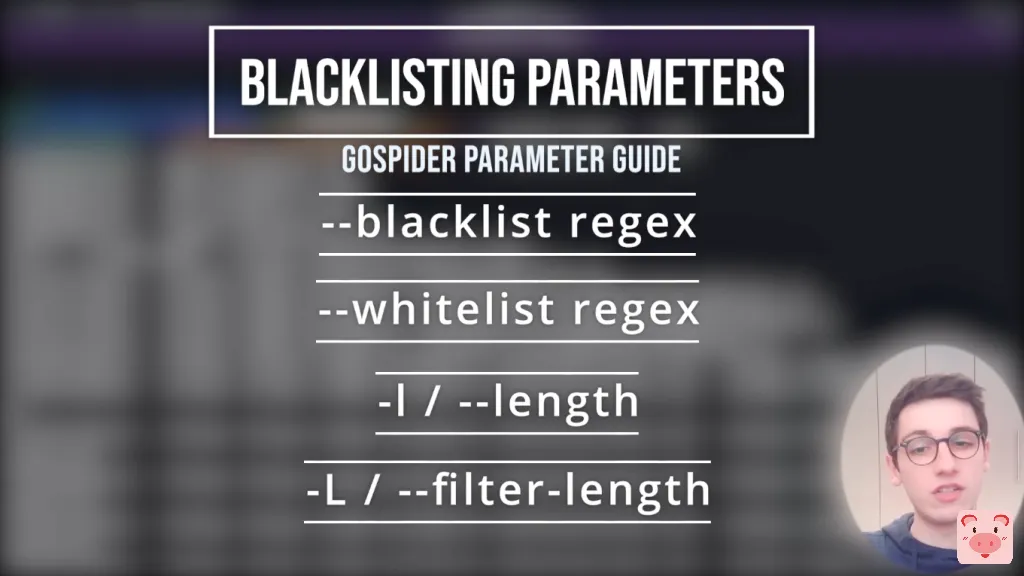
- --blacklist指定黑名单正则
- --whitelist指定白名单正则
- -l或者--length指定长度
- -L或者--filter-length过滤指定长度
譬如我们在扫描中不关注字体文件(.woff)和pdf文件(.pdf)
gospider -s "https://google.com/" -o output -c 10 -d 1 --blacklist ".(woff|pdf)"再譬如我们在扫描中发现返回值200的居然是404的页面,我们可以使用--filter-length进行过滤
gospider -s "https://google.com/" -o output -c 10 -d 1 --length --filter-length "6871,24432"